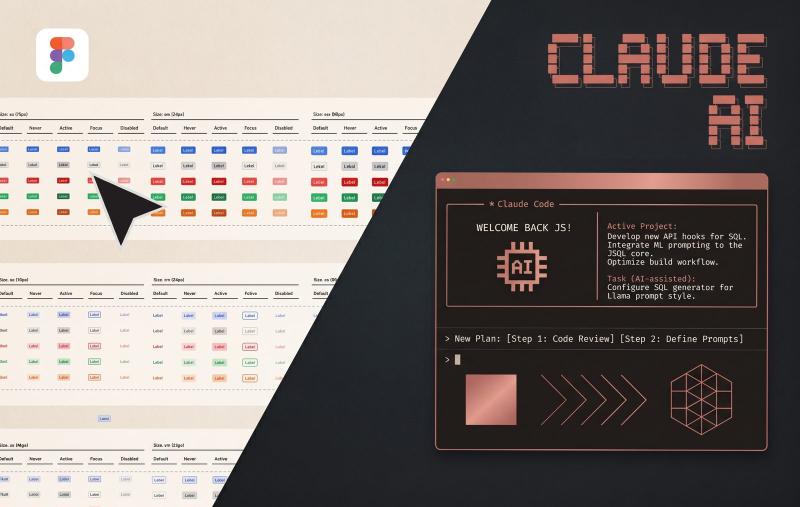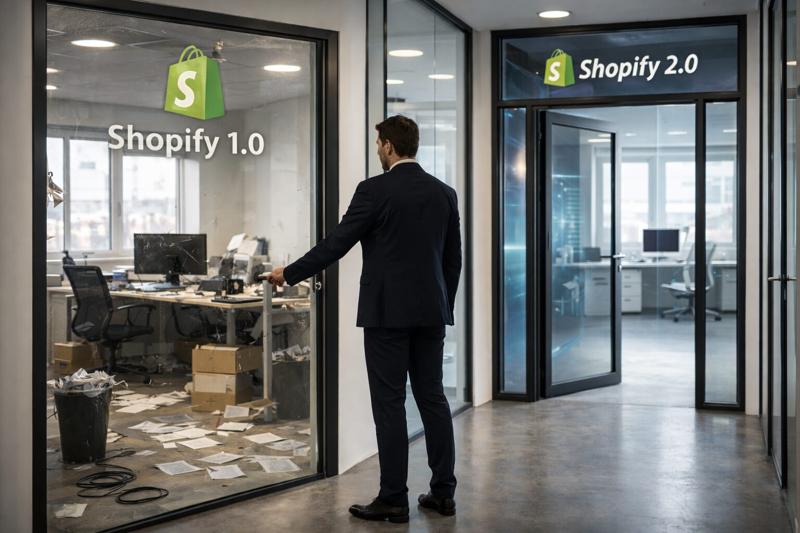

Connect Claude or ChatGPT to your Shopify store, ask for a new homepage, and watch it get built. That's the promise of AI MCP connections, and plenty of merchants are already trying it.
We use these connections every day at MM Shopy Devs. We also put Shopify theme customization with AI to a real test, from small tweaks to full redesigns. The results were clear: they're excellent for some jobs and risky for others. Here's what we found, what it means for your store, and how we solved it.
What is an MCP (Model Context Protocol)?
MCP stands for Model Context Protocol. It's an open standard, introduced by Anthropic in late 2024 and now supported by ChatGPT and most major AI tools, that lets an AI assistant connect directly to external software.
Before MCP, working with AI on your store meant copying and pasting. You'd export a CSV, paste it into the chat, get an answer and apply the changes by hand. With an MCP connection the assistant reads from and acts on your Shopify store itself. It can look up products, pull orders, query analytics, update inventory and create discounts, all from a plain-language request.
Think of it as a universal adapter. Shopify provides the plug, Claude or ChatGPT provides the brain, and the MCP is the cable between them. Type "Show me the 10 best-selling products this month with under 20 units in stock" and the answer comes back in seconds, without opening a single admin screen.
That's powerful, and it's why so many merchants assume the same setup can redesign or customize their theme. Sometimes it can. Often it shouldn't.
What the Shopify MCP is brilliant for
Let's be clear: we use MCP connections every day. Used for the right jobs, they're one of the biggest productivity gains a Shopify store has had in years.
Small, contained edits. Rewriting a batch of product descriptions, fixing tags across a collection, updating metafield values, adjusting prices or moving products from draft to active. These are repetitive admin jobs where the AI works inside Shopify's own data structures. The risk is low and the time saved is huge.
Small theme tweaks. We won't deny it: for quick changes to the template itself, it's really useful. Changing a button color, adjusting a font size, tweaking spacing on a section or updating a line of text in the footer. These are single, isolated changes, and the AI handles them quickly and correctly.
Advanced reports in plain language. This is where the MCP shines. Questions that used to need a custom report, a spreadsheet and an hour of work now take one sentence:
- "Which customers bought twice in Q3 but haven't ordered since September?"
- "Compare conversion by sales channel for the last 90 days."
- "Which variants keep selling out, and how fast?"
The AI writes the query, runs it and explains the results. Store owners get answers in minutes instead of waiting on an analyst.
Day-to-day operations. Looking up an order for a customer service reply, creating a discount code for a campaign, checking inventory before a drop, building a collection for a weekend sale. Jobs that used to eat a team's whole morning now take minutes.
The common thread: these are all small, contained tasks. The AI mostly works with Shopify's data and admin features, and when it does touch the theme, it changes one isolated value, not the structure behind your storefront. Everything stays inside guardrails that already exist. Step outside them, and things change.
We tested AI MCP on real Shopify theme development
We didn't want to rely on opinions, ours or anyone else's. So we built a structured test: a set of hypotheses, run through the direct MCP connection on tasks ranging from very simple to very complex, to measure how it performs when you ask it to develop on a Shopify theme.
How we tested: 48 tasks between August and October 2026, run with Claude through a direct MCP connection: 38 pages, each with its own Figma design and a real project behind it, plus 10 standalone tests. Tasks ranged from single-value tweaks to full section redesigns and custom functionality. Design accuracy was measured with a visual comparison score between the approved Figma design and the rendered result, at desktop (1440px) and mobile (390px) widths.
The results surprised us. On simple, basic tasks the connection does well. It understands the request and carries it out correctly. But once we moved to complex work, like redesigning whole sections of a store or building advanced functionality, two clear problems showed up.
1. Accuracy
The first test was turning a design mockup into a working theme section that matched it exactly. How the mockup was made didn't matter. The goal was a faithful reproduction.
For fashion and lifestyle brands this isn't optional. Design is the brand, and what gets approved in the mockup is what has to go live.
To measure it objectively, we built an internal tool that calculates the difference between the original design and the developed result. The average difference was 48%. In some cases it was much lower, but on average almost half the design was lost or changed along the way.
There are several reasons, and we won't go through them all here. In short, they come down to two:
- The design has to be built for AI. A design made for human developers doesn't carry the structure an AI needs to read it correctly. More on this on our Shopify design for AI page.
- It needs an architecture plan, and only an expert can write one. A design is rarely just text and images. Behind it there's logic.
Take something as simple as the labels on a product card. To build them properly you need a full specification: which labels exist, what properties each has and how they're prioritized. Does Sold out beat Sale? Does Sale beat a custom label like New in? What happens when a product qualifies for all three?
That's one small element. A complex redesign has dozens of decisions like it, and when nobody makes them, the AI guesses.
2. Code quality
The second problem is less visible, which makes it more dangerous. Even when the front end looks right, the code underneath is often chaotic.
This isn't really a flaw in the AI. It only sees the task in front of it. It doesn't know your theme's system, your conventions or what you'll need to build next month, so it solves each request on its own terms.
In practice, it doesn't use design tokens. Good theme development separates style properties (colors, spacing, typography) from the code and turns them into reusable tokens and components applied across the whole site. The AI tends to create new, one-off styles and code every time instead.
Picture a box of Lego. On one side you have standard pieces, ready to use and reuse in any build. On the other, you have to make every single piece by hand, from scratch, for every new build. The finished model can look the same either way. The difference shows the moment you need to change it, take it apart or build on top of it.
In a Shopify theme, that difference shows up in three places:
- Speed: more redundant code and heavier pages.
- Performance: worse Core Web Vitals and a slower storefront.
- Future work: every change costs more, because nothing is shared and everything has to be found and fixed one piece at a time.
How we fixed it: AI development with MM Gate
The test confirmed what we said at the start: you can't develop properly on a Shopify theme through a simple MCP connection alone. That's especially true for an agency like ours, where most projects are complex, custom builds.
The answer isn't to avoid AI. It's to build a system around it that solves these problems, and that system still needs people. Human input is unavoidable. It needs an architect who knows how all the pieces connect and how things actually work.
That's why, as a Shopify AI agency, we built our own AI development ecosystem, powered by a tool we call MM Gate. Human experts feed it intelligence, data and rules. It learns from its own mistakes automatically and gets better with every project. Every task then passes through automated AI QA and a human QA review before it ships.
With those safeguards in place, the numbers changed completely:
| Direct MCP connection | MM Gate system | |
|---|---|---|
| Design precision | 48% average difference from the design | 95–100% precision |
| Task delivery speed | Baseline | 3x faster |
| Code structure | One-off styles and code | Design tokens and reusable components |
Human control and architecture stay at the center of it. AI speeds us up. Experts make sure it's going in the right direction.
Will AI replace Shopify agencies?
It's the question every merchant is asking: if AI can edit my store, do I still need a developer?
Our answer is clear: no, AI won't replace agencies. But it will completely change how good agencies work.
The reason goes back to our test. The most valuable thing an agency brings isn't writing code. It's human experience, especially in architecture and in how the whole ecosystem fits together. Knowing how a theme should be structured, how the pieces connect and what logic sits behind every design decision is what makes a project work long-term. More basically, it's what lets a project get started properly at all. AI doesn't replace that layer. It depends on it.
What will change is the agency itself. Agencies need to modernize, rebuild their internal systems and fully embrace these technologies. They also need to be honest enough to pass the benefits on to their clients.
We did exactly that. With AI built into our development process, we cut development costs by around 50% and passed that saving on to our clients. Same expert architecture, same quality standards, at a much lower price.
So it isn't replacement. It's a radical shift in how agencies operate. And the ones who'll feel it most probably aren't the small studios. Large agencies stand to lose the most, because smaller, leaner agencies that use AI properly can now deliver similar performance, and often better.
FAQ
Can ChatGPT or Claude edit my Shopify theme?
Yes. Through an MCP connection, both can make changes to your store and theme. They work well for small edits like colors, font sizes or text. For redesigns and complex functionality, accuracy and code quality drop sharply without an expert architecture behind them.
Is it safe to use the Shopify MCP on a live store?
For reports and admin tasks, yes, as long as you review changes before applying them in bulk. For theme code, always work on a duplicate, unpublished theme and test it before publishing.
How accurate is AI at turning a design into a Shopify theme?
In our tests, a direct MCP connection showed an average 48% difference from the original design. With our MM Gate system, which adds expert architecture plus AI and human QA, precision reaches 95–100%.
Will AI replace Shopify developers?
No. AI replaces repetitive work, not architecture. Agencies that adopt AI properly deliver faster and cheaper, but someone still needs to design how the whole system fits together.
Conclusion
Use AI MCP connections for what they do best: quick edits, instant reports and daily store operations. For Shopify theme customization, redesigns and complex functionality, a direct connection without architecture and QA behind it costs you design accuracy, performance and money down the line.
The winning setup is AI plus expert architecture. That's how we deliver 3x faster, at 95–100% design precision, for around half the cost.
Planning a redesign or a complex build on Shopify? Book a call with our team and we'll show you how MM Gate would handle your project.